Self-Hosted · Open-Source · Discord-Native
CraftDaemon is a self-hosted Discord bot for controlling Minecraft servers remotely, built for friend groups, homelabs, and lightweight setups without bloated control panels or complicated infrastructure.
How it works
What you get
CraftDaemon is small, readable, and ready to do whatever on. It’s just code you can grok.
In action
A look at CraftDaemon's Discord embeds and bot presence in a real server.
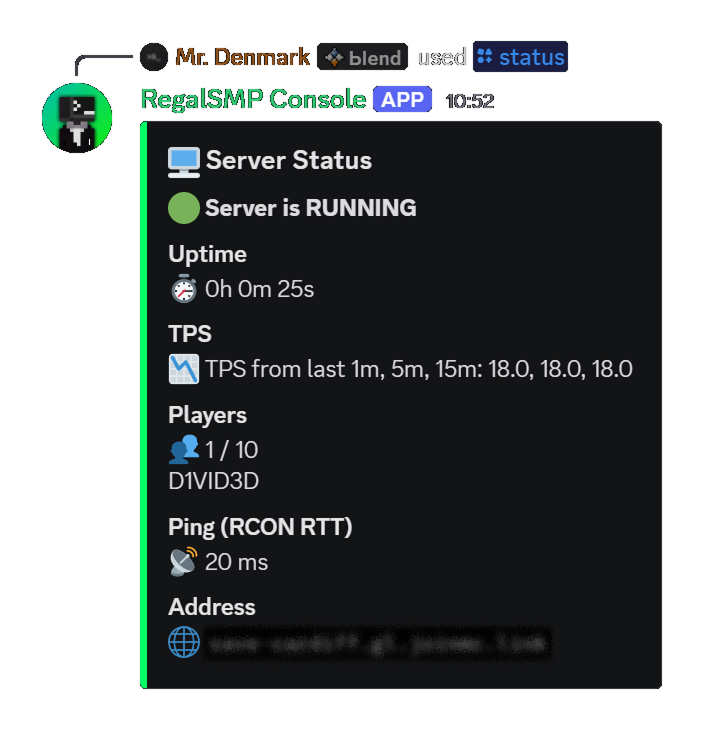
Shows systemd state, uptime, live TPS, current player count and names, and RCON round-trip latency, all in one embed.
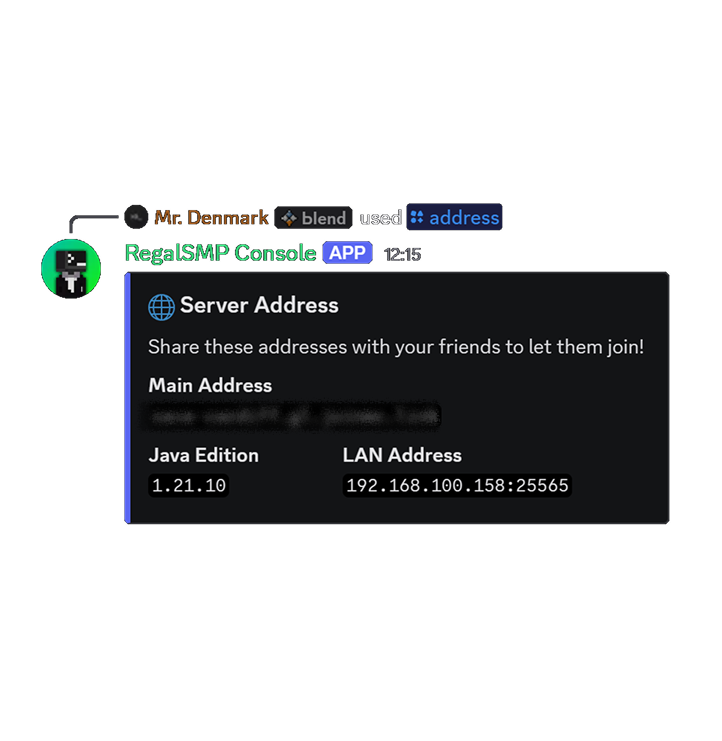
Displays your public tunnel address, LAN address, and Java Edition version, all configured via your .env.
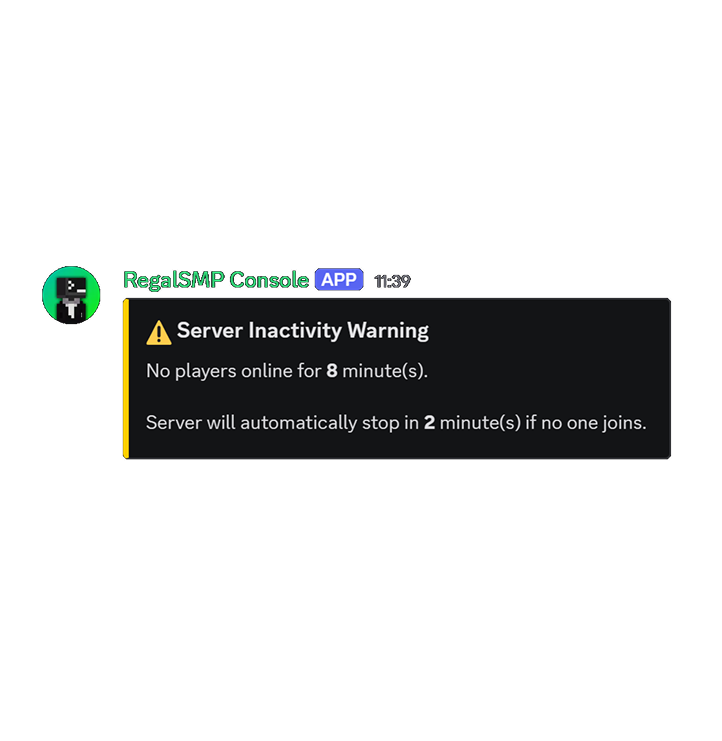
Posted to your status channel when the server has been empty past the warning threshold, giving players a heads-up before the automatic stop.
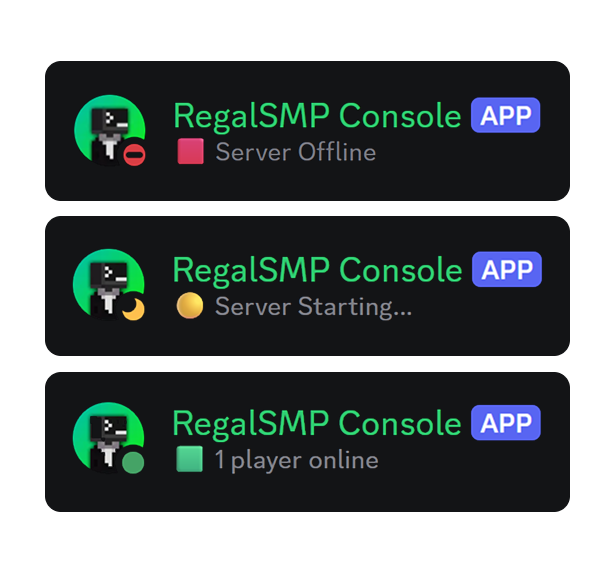
The bot's Discord status and activity reflect the server state in real time, visible from the member list or bot profile without running any command.
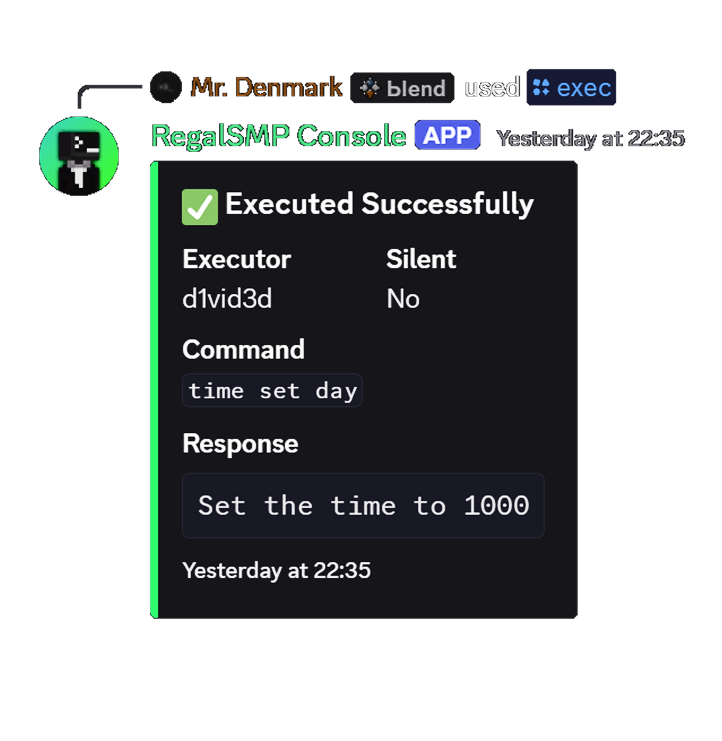
Execute any server command directly from Discord. The response embed shows the executor, the command ran, the result, and a timestamp. Every execution is logged to exec.jsonl for a full audit trail.
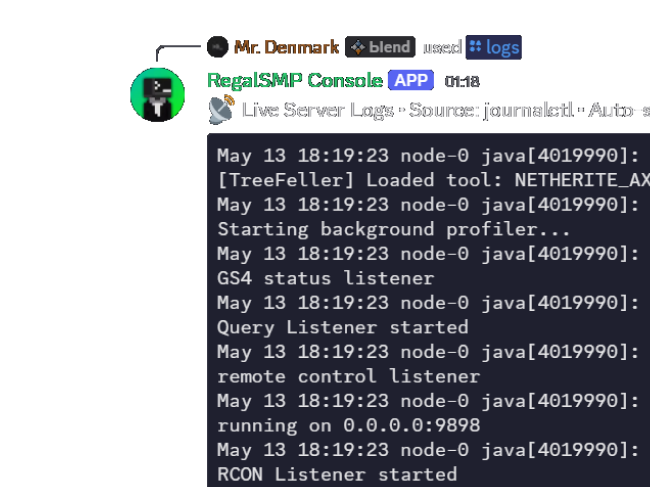
Stream Minecraft server logs in real-time with live mode, grab a static snapshot with tail mode, or stop an active session with stop. One session per channel, sourced from journalctl by default. (Image got cut off of course)
Slash commands
Every interaction with the server happens through clean slash commands, no need to SSH.
| Command | Description |
|---|---|
| /start | Starts the Minecraft server via systemctl start |
| /stop | Gracefully stops the server, running save-all first |
| /restart | Saves world data then restarts via systemctl restart |
| /logs | Streams live server logs in real-time (live), fetches recent lines (tail), or stops an active session (stop) via journalctl |
| /exec | Executes Minecraft server commands via RCON with safety checks, confirmation prompts, and in-game announcements |
| /status | Full status embed: systemd state, uptime, live TPS, player list, RCON ping |
| /address | Shows server connection addresses, public, LAN, and Java edition version |
| /ping | Checks the bot's Discord API latency |
| /help | Interactive command reference with category grouping, quick-start guide, and per-command detail pages with autocomplete |
| /checkupdate | Compares current version against latest GitHub release and posts an embed if newer |
Why CraftDaemon exists
CraftDaemon started from a simple problem:
I wanted a self-hosted Minecraft server that friends could control remotely without dealing with panels, tunnels, complicated deployments, or full hosting stacks.
So instead of building another massive control panel, CraftDaemon focuses on lightweight Discord-native management that works alongside the server you already run.
Latest release
Pulled live from GitHub Releases.
Previous releases
Before you dive in
You’ll need to be comfy with Linux basics. If you know your way around systemd and Discord bots, you’re good.
Ubuntu, Debian, Arch, or any distro with systemd. The bot runs as its own service.
v22 recommended; used for development and testing and future migration plan to TypeScript.
Your actual Minecraft server, Duh.. (Paper is recommended, Required for TPS data.)
Create an application in the Discord Developer Portal and enable Guild Members Intent.
A passwordless sudoers rule for the bot's user to run specific systemctl commands.
Enable RCON in your server.properties. Used for live stats and graceful save-before-stop.
Get started
Follow along below, or hit the Docs for all the nitty-gritty details.
Grab the code on your Linux box.
Let npm do its thing.
Head to the Discord Developer Portal, make a new app, grab your bot token, and enable the Server Members Intent and Message Content Intent. Invite it with bot + applications.commands scopes.
Copy the example env, fill in your bot token, IDs, RCON info, and whatever auto-shutdown settings you want.
Write a .service unit for your Paper server. Make sure the service name matches MC_SERVICE in your .env.
In server.properties, set enable-rcon=true, rcon.port=25575, and an rcon.password that matches your .env.
Add a passwordless sudoers rule so the bot user can run systemctl start/stop/restart for your Minecraft service. (Don’t give it more than it needs!)
Edit config/permission-config.js to map your Discord role IDs and user IDs to command permissions like server.start and server.restart.
Register the slash commands, then install and enable the bot as a systemd service.